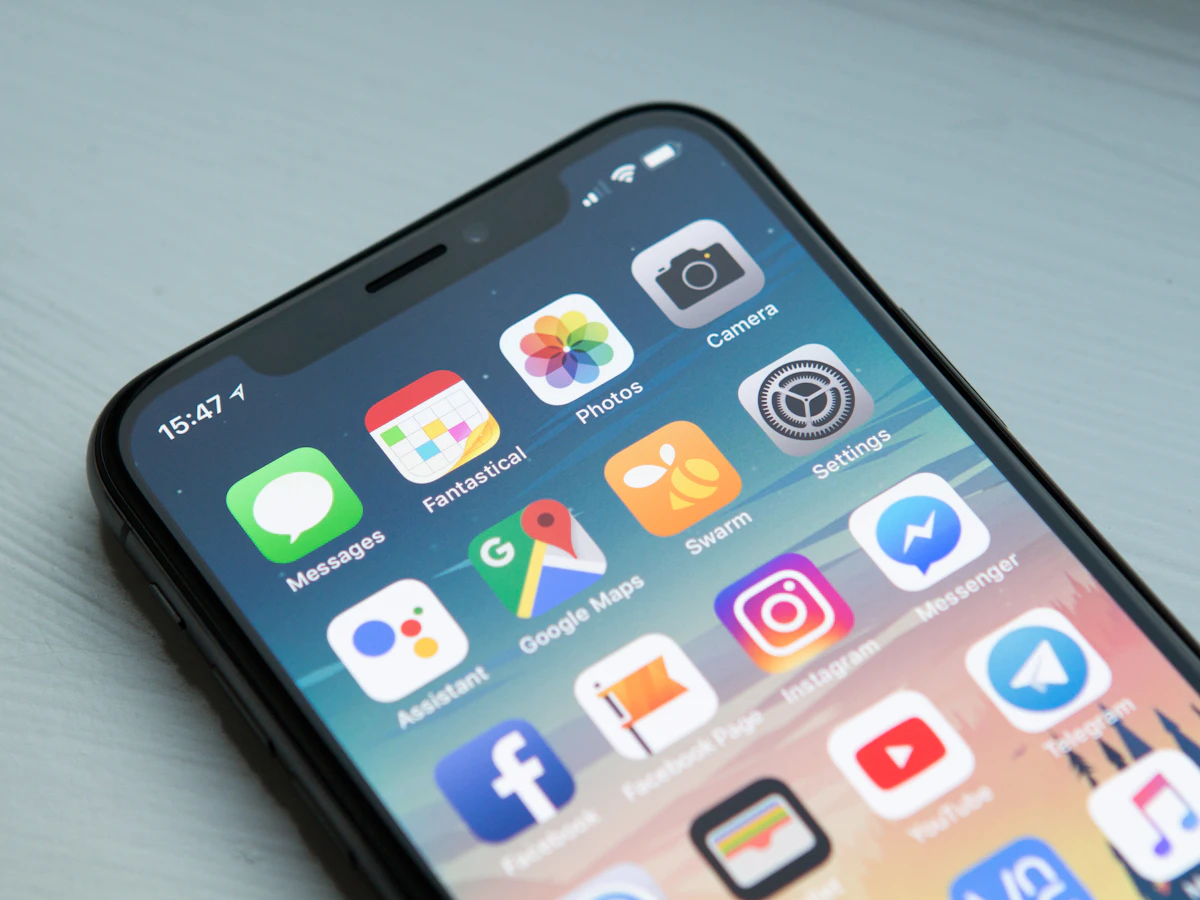
Apple Pay on iPhone and Safari
The wallet sheet opens on the same page. No redirect, no new tab, no lost supporter.
Wallet payments
Apple Pay and Google Pay come first on every checkout, because the fastest payment is the one where nobody types anything.
Why it works
The wallet sheet opens on the same page. No redirect, no new tab, no lost supporter.
Same experience on the other half of the internet, with the same absence of typing.
Desktop visitors and unsupported devices get a clean card form, not a broken wallet button.
Biometric confirmation on the supporter's own device tends to mean fewer disputes than raw card entry.
The math of friction
Number, expiry, CVC, name, postcode — on a phone, one-handed, while walking. A wallet payment is a look and a tap. That difference is the entire conversion story on a tip page.

No account
Supporters never create an account — not to pay, not to get a receipt, not to leave a message. The wallet already knows who they are, which is the entire point of using it.
Everywhere it counts
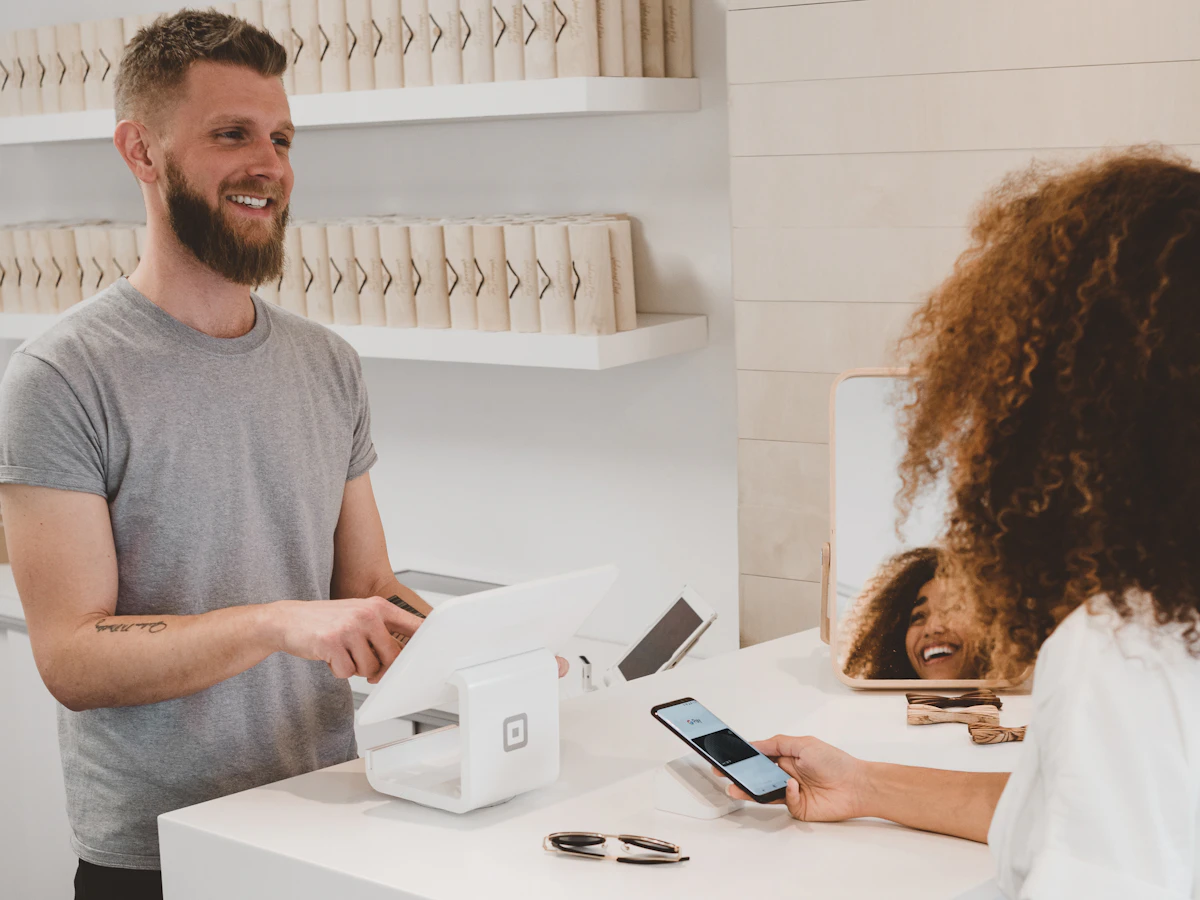
Wallet payment isn't limited to one-off tips. Membership signups and shop orders run through the same flow, so the fast path is the default path everywhere.
Getting started
01
Sign up and claim a short handle.
02
Wallet support comes from Stripe once your account is connected and verified.
03
Presets remove a decision before the wallet sheet even opens.
04
Send yourself the smallest allowed amount from a real device, then refund it.
In e-commerce, a buyer who abandons a card form often comes back — they want the product. In tipping there's no product, so an abandoned checkout is simply gone. The impulse expires and does not return.
That asymmetry is why a tip page should be optimised harder for speed than most online stores. Every second of friction costs more here than it would anywhere else.
Apple Pay works in Safari and in-app browsers on Apple devices with a card in Wallet. Google Pay works in Chrome and on Android with a card in the Google account. Between them they cover the overwhelming majority of mobile traffic a creator link receives.
Availability still depends on device, browser, region, and whether the visitor has set up a card. That's why the card form is always there — a fallback that works is part of a wallet-first design, not an admission of defeat.
Wallet payments are authenticated with biometrics on hardware the cardholder controls, which generally makes 'I didn't authorise this' harder to argue than with typed card details.
Disputes are handled through your own Stripe account with Stripe's standard evidence process. Keeping a minimum amount on custom tips also cuts down on card-testing noise.
FAQ
No. Once your Stripe account is connected, wallet buttons appear automatically for supported devices and regions.
No. Stripe charges the same standard processing rate; wallet payments simply route a card that's already on file.
The card form is shown instead. It's a normal, well-behaved form — the fallback isn't an afterthought.
Yes. The optional message is captured before the wallet sheet opens, so it doesn't add a step after payment.
Any currency your Stripe account supports. Preset amounts are configured per currency so the numbers stay sensible.